
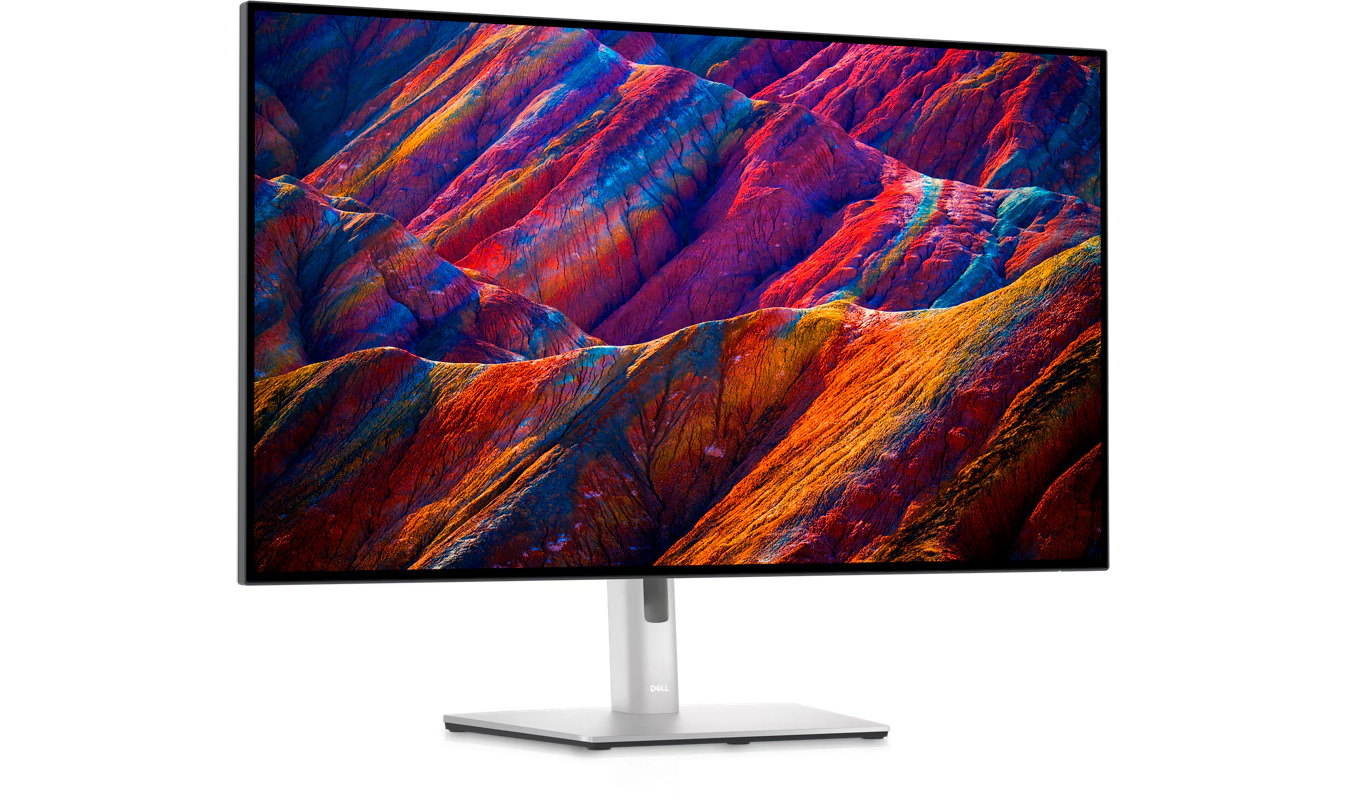
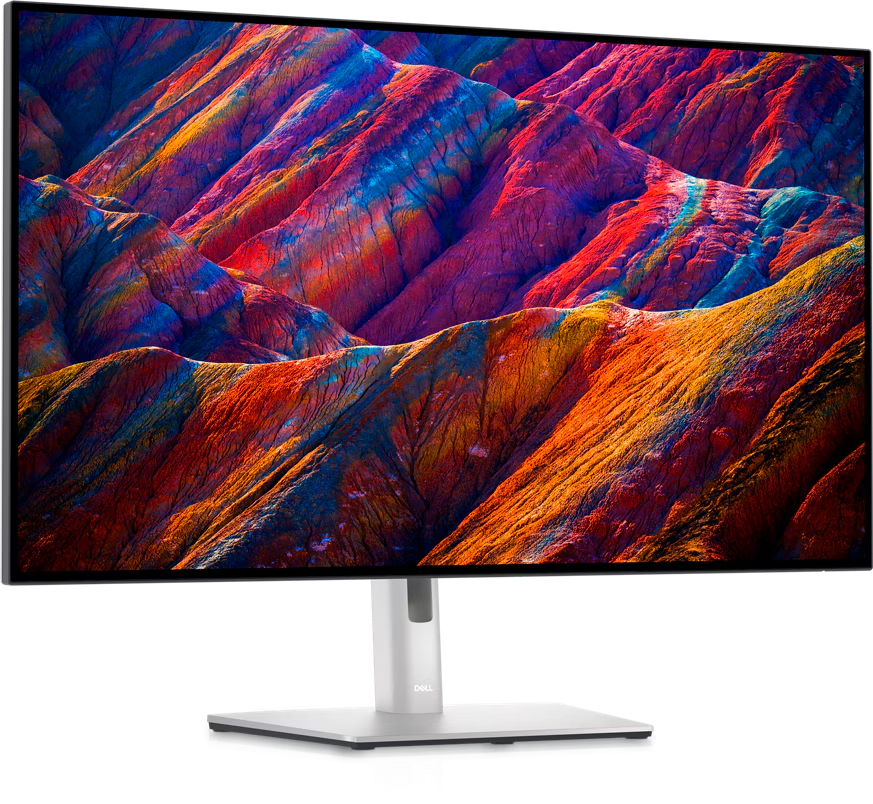
Dell 32 Inch UltraSharp 4K USB-C Hub Monitor U3223QE
₨ 144,500.00
- Diagonal Size – 31.5″
- Resolution / Refresh Rate – 4K 3840 x 2160 at 60 Hz
- Panel Technology – IPS Black Technology
- Adjustability
- Height
- pivot (rotation)
- swivel
- tilt
- Color Gamut
- 100% Rec 709
- 100% sRGB
- 98% DCI-P3
Features & Design
Brilliant visuals
Enhanced eye comfort
True brilliance
Your hub for connectivity
Jumpstart productivity:Wake up and power your laptop with a Power Sync feature.
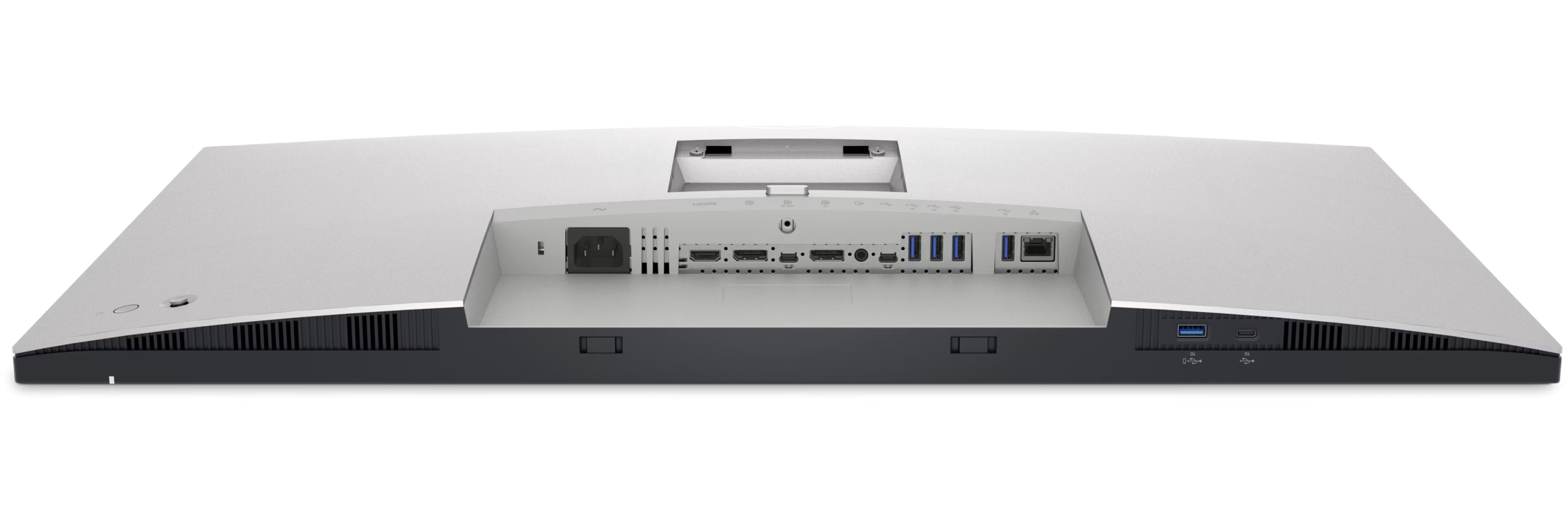
Enhanced connectivity:Streamline your workspace with extensive connectivity ports including USB-C (up to 90W power delivery), RJ45 (Ethernet), DP1.4, and HDMI. Quick Access USB-C (up to 15W of power charging) and super speed USB 10Gbps ports enable easy connections and fast data transfers.
A more organized workspace:Single cable USB-C connectivity offers the flexibility of connecting to multi-vendor USB-C systems, reducing cable clutter and enabling quick transitions from the desk.
Network ready:Get enhanced manageability with MAC Address pass-through, PXE Boot, and Wake-on-LAN conveniently built in.
Productivity unlocked
Multitask better:Connect to two PC sources and Auto KVM will seamlessly switch controls over to the second connected PC. Use KVM (keyboard, video and mouse) feature to control both PCs with a single keyboard and mouse.
See more on one screen:View content from two PC sources with Picture-in-Picture (PiP) and Picture-by-Picture (PbP).
Expand your productivity: Experience uncompromised picture quality by daisy chaining two 4K monitors. U3223QE is the world’s first 31.5″ 4K monitor which allows daisy chaining of an additional 4K monitor at full resolution via USB-C—enabled by Display Stream Compression (DSC).
Skillfully Crafted
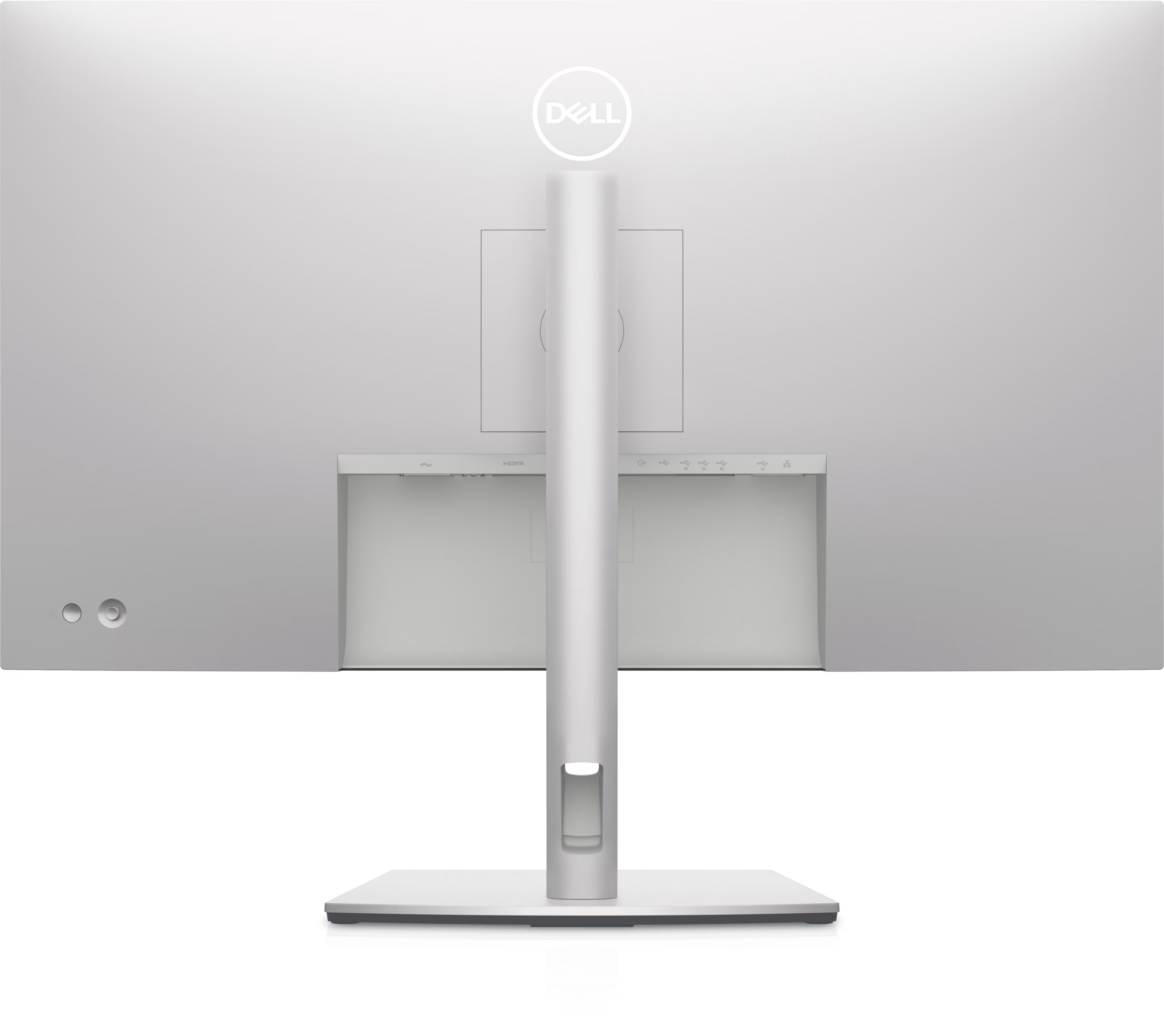
Designed with purpose:With a premium platinum silver finish and an elegant cable management system made to reduce clutter, it’s the monitor built to match any workspace.
Easy to use:Navigate the menu and adjust screen settings with a convenient joystick control.
Built for comfort
Dell Display and Peripheral Manager
Easy Arrange tiles apps across screens with pre-set partitions and customizes up to five windows, enhancing multitasking. Easy Arrange Memory saves and restores app profiles manually, on schedule, or at start-up.Easy navigation
Control and work across multiple network or USB connected PCs and monitors with a single keyboard and mouse, seamlessly transferring files between them.
More manageable
Save time and boost IT efficiency with the Dell Device Management Console to manage your Dell peripheral fleet at scale, from a single cloud-based console. Discover expanded Command Line Interface features from Dell Display and Peripheral Manager.
Learn more about Dell Display and Peripheral Manager
Disclaimer: Screen image simulated for illustrative purposes only. Monitor model may vary.
Green thinking for today and tomorrow
Environmental standards:This monitor uses 85% PCR (Post-consumer Recyclable) plastic in the design and meets the latest environmental standards such as EnergyStar® and TCO Certified Edge, and is registered EPEAT® Gold.
Eco-conscious packaging:Designed with the environment in mind, Dell commercial monitors come in 100% recyclable cardboard packaging.
Energy conservation:Save energy with PowerNap, a feature that dims or puts your monitor to sleep when it’s not in use.
Advancing sustainability:Dell Technologies is committed to reducing environmental impact throughout the product lifecycle. Read more about our commitment to sustainability and our 2030 Social Impact goals here, and our product’s carbon footprint here.
Works with devices on macOS®*
Tested with devices on macOS, this USB-C monitor with Display P3 color is compatible with Mac® devices. Requires USB-C or HDMI connectivity. Daisy chaining multiple displays via a single cable requires Thunderbolt connectivity. Please check your device for compatibility, as select M-series chips may not support some features. Install Dell Display and Peripheral Manager application to customize advance settings.
*Based on internal testing of select Dell monitors with USB-C or HDMI connection to devices on macOS, June 2024. Some features may not be supported.
Connectivity options
Bottom and rear view
1. Security lock slot (based on Kensington Security Slot™ )
2. Power connector
3. HDMI port
4. DisplayPort in
5. USB-C port
6. DP port (out)
7. Audio line-out port
8. USB-C upstream port
9. (3) Super speed USB 10Gbps (USB 3.2 Gen2)
10. Super speed USB 10Gbps (USB 3.2 Gen2)
11. RJ45 Ethernet port, 1GbE
12. Super speed USB 10Gbps (USB 3.2 Gen2)
13. USB-C downstream port
Cables Included
1. Power cable
2. DisplayPort 1.8 M cable (DisplayPort to DisplayPort)
3. USB-C Gen2 1.0 M cable (A to C)
4. Type-C 1.0 M cable (C-C cable)
Related products
-
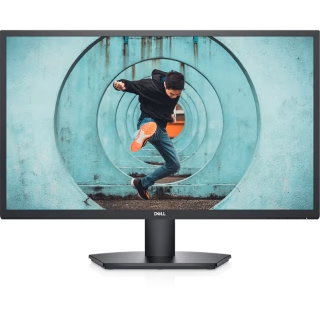
Dell 27 Monitor – SE2722H
₨ 31,000.00Add to cartDiagonal Size
27″
⎚Resolution / Refresh Rate
Full HD (1080p) 1920 x 1080 at 75 Hz
Panel Technology
VA
Adjustability
Tilt only
Ports
HDMI (HDCP 1.4)VGA
Cables
1 x HDMI cable -
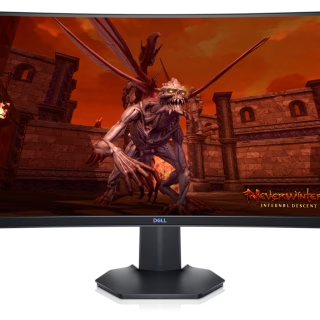
Dell 27 Curved Gaming Monitor – S2721HGF
₨ 46,000.00Add to cartDiagonal Size
27″
⎚Resolution / Refresh Rate
Full HD (1080p) 1920 x 1080 at 144 Hz
⮔Adaptive Sync
NVIDIA G-SYNC Compatible, AMD FreeSync Premium
🕑Response Time
4 ms (gray-to-gray); 1 ms (MPRT)
Ports
2 x HDMI (HDCP 1.4)
DisplayPort 1.2
Audio line-out
Cables
1 x HDMI cable -

Dell 27 Monitor – P2722H
₨ 52,000.00Add to cartDiagonal Size
27″
⎚Resolution / Refresh Rate
Full HD (1080p) 1920 x 1080 at 60 Hz
Panel Technology
IPS
Adjustability
Height, pivot (rotation), swivel, tilt
Ports
DisplayPort
VGA
HDMI
USB 3.2 Gen 1 upstream
4 x USB 3.2 Gen 1 downstream
Cables
1 x DisplayPort cable – DisplayPort to DisplayPort – 6 ft1 x USB 3.2 Gen 1 upstream cable